IPTV comes with a lot of jargon. If you have ever wondered what an EPG is, or why an app asks for a MAC address, this IPTV glossary explains the terms you will meet, in plain English. Each entry links to a full guide when there is one.
IPTV glossary: the basics
- IPTV
- Internet Protocol Television: live TV and on-demand video delivered over the internet instead of cable or satellite. Full intro: what is IPTV?
- Provider
- The company that sells the subscription and runs the servers.
- Player app
- The app you install to watch, such as IBO Player Pro or TiviMate. It doesn’t include channels: you add your login. See best IPTV player apps.
- Subscription / plan
- Access for a set time, usually 1 to 12 months. See how IPTV subscriptions work.
- Trial
- Short free or low-cost access to test the service on your devices.
IPTV glossary: logins and playlists
- Xtream Codes (API)
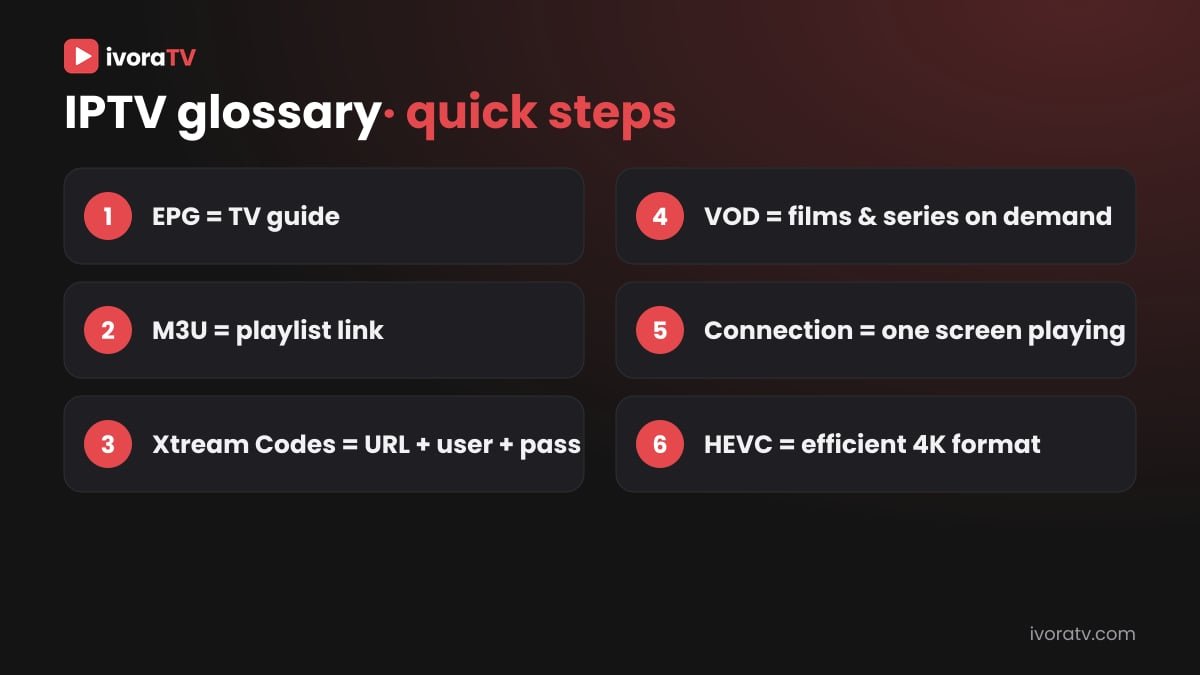
- A login made of a server URL, username and password. Loads channels, films, series and the TV guide in sections.
- M3U / M3U8
- A playlist link containing the whole channel list. Works in almost any player. See how to use an M3U playlist.
- Server URL / portal
- The address of the provider’s server, often with a port such as :8080.
- MAC address
- A unique ID of your device. Some Smart TV apps (like IBO Player Pro) use it to link your playlist through their website. See the Smart TV guide.
- Device key
- A code shown next to the MAC address in some apps, used to confirm it’s your device.
IPTV glossary: content and features
- EPG
- Electronic Programme Guide: the TV guide showing what’s on now and next. See EPG not working.
- XMLTV
- The file format used for EPG data, sometimes added as a separate link.
- VOD
- Video on demand: films and series you start whenever you want.
- Catch-up / archive
- Watching programmes that already aired, on supported channels. See IPTV catch-up.
- Timeshift
- Pausing or rewinding live TV.
- PVR / recording
- Saving a programme to your device. See how to record IPTV.
- Favourites
- Your own shortlist of channels, for quick access.
- Multi-view
- Watching several channels on one screen. Each counts as a stream.
IPTV glossary: picture and quality
- SD / HD / FHD / 4K (UHD)
- Resolution levels, from standard definition up to 3840 × 2160. See 4K IPTV.
- HEVC (H.265)
- A video format that gives better quality at lower data use. Older devices may struggle with it.
- Bitrate
- How much data per second a stream uses. Higher bitrate means better picture but needs more speed.
- Buffering
- When the video pauses to load. See 10 buffering fixes.
- Latency / delay
- How far behind the live event your stream is. Matters most for sport: see IPTV for sports.
IPTV glossary: devices and setup
- APK
- An Android app file. On Firestick, apps not in the Amazon Appstore are installed from an APK with the Downloader app.
- Downloader
- A free Fire TV app used to download and install APK files. See the Firestick guide.
- Developer Options / unknown sources
- Settings that allow apps from outside the official store.
- Connection
- One device playing at the same time. Your plan sets how many. See multiple devices.
- Ethernet
- A wired network connection, far more stable than Wi-Fi. See the Ethernet adapter guide.
- VPN
- A service that encrypts your traffic. Optional for IPTV: see do you need a VPN?
IPTV glossary: a few more terms
- Channel group / category
- A folder of channels, such as News or Kids, in your player app.
- Refresh / update playlist
- Reloading the channel list from the server to get new or changed channels.
- EPG time shift
- A setting that moves the TV guide forward or back by hours when the times don’t match your area.
- Hardware decoding
- Using the device’s video chip to play streams. Smoother than software decoding, especially for 4K.
- Server status
- A page showing whether the provider’s servers are working. Ours is on the server status page.
How to use this IPTV glossary
Keep this IPTV glossary open while you set up your first device: when an app asks for a “portal URL” or shows “EPG”, you’ll know exactly what it means. Bookmark it, or share it with family members who are new to streaming. If a term you met isn’t in this IPTV glossary, send it to us and we’ll explain it and add it.
Five IPTV glossary terms every beginner should know
If you only learn five words from this IPTV glossary, make them these: player app (where you watch), Xtream Codes (how you log in), EPG (the TV guide), connection (how many screens can watch at once) and buffering (the pause you want to avoid). With those five, you can follow any setup guide and understand most support answers. The rest of the terms you’ll pick up naturally as you use your service.
Where to go next
Ready to set up? Pick your device in our setup guides. Something not working? Our IPTV error codes guide explains the messages you might see.
Frequently asked questions
What does EPG mean in IPTV?
EPG stands for Electronic Programme Guide. It's the TV guide in your player app that shows what's on each channel now and later.
What is the difference between IPTV and VOD?
IPTV is the overall way TV is delivered over the internet, including live channels. VOD (video on demand) is the part where you choose films and series to start whenever you like.
Why does my IPTV app ask for a MAC address?
Some apps, mostly on Smart TVs, link your playlist to your device's MAC address. You enter the MAC address and your playlist on the app's website, then restart the app.
Don’t have ivoraTV yet?
Test it for 24 hours for $2 · 14-day refund policy on yearly packs