Watching IPTV on Firestick is one of the easiest ways to get live TV, movies and series on any TV with an HDMI port. At ivoraTV, every Firestick setup uses one app: IBO Player Pro. In this guide you install it with the free Downloader app, send us one code, and have IPTV on Firestick running in about five minutes.
Why IBO Player Pro for IPTV on Firestick?
IBO Player Pro is fast on every Fire TV model, has a clean menu with Live TV, Movies and Series, and a built-in TV guide. The biggest advantage: you don't type long logins with the remote. You send us your MAC address and we link your subscription for you.
Which Firestick is best for IPTV on Firestick?
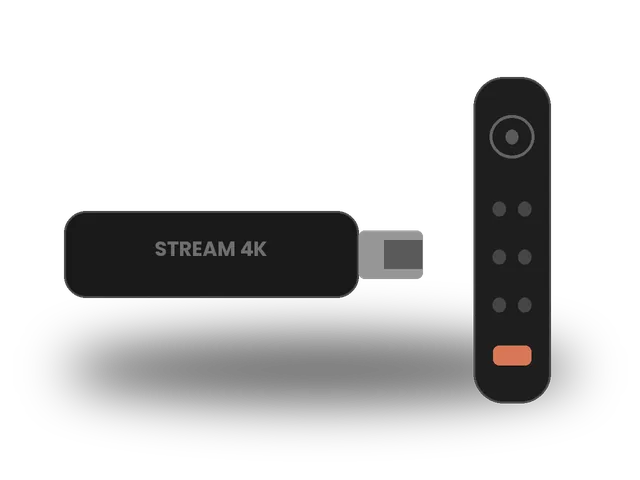
Every current model runs IBO Player Pro. The Fire TV Stick 4K Max is the fastest and best for live sport and 4K. The Fire TV Stick 4K is a great all-rounder, the Lite and the basic Fire TV Stick are fine for HD, and the Fire TV Cube adds a built-in Ethernet port.
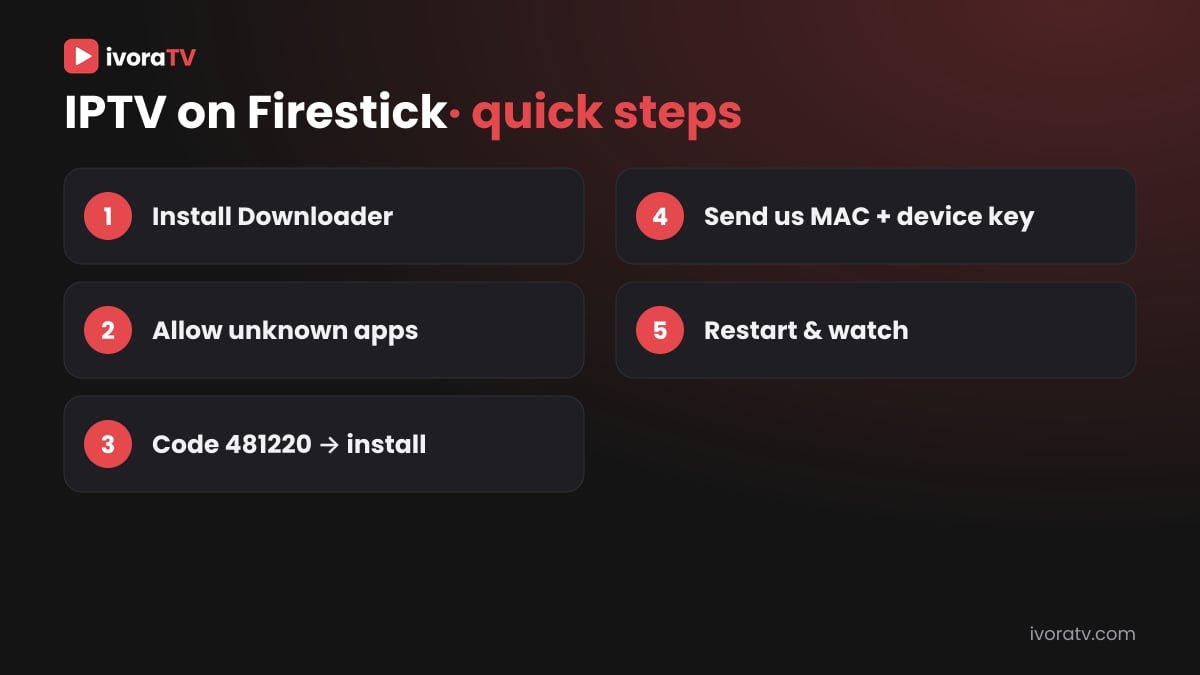
Step 1: Install IBO Player Pro on your Firestick
- From the home screen, go to Find → Search, type Downloader, then install and open it.
- Go to Settings → My Fire TV → Developer Options → Install unknown apps and turn Downloader ON. No Developer Options? Open Settings → My Fire TV → About and click your device name 7 times.
- Open Downloader, select the address box and enter the code 481220, then select Go.
- When the download finishes, select Install, then Open.
- Choose Delete when Downloader offers to remove the file. It frees up space.
Tip: move IBO Player Pro to the front of your apps row (hold the Home button → Apps → select the app → Move) so it's always one click away.
Step 2: Link your ivoraTV subscription to IBO Player Pro
Open IBO Player Pro on your Firestick. The first screen shows two codes: the MAC Address and the Device Key. You can also find them later in the app under Settings. These codes are how your subscription is linked to the app, so you never have to type a long server address with a remote.
- Take a photo of the screen showing the MAC Address and Device Key.
- Send it to us on WhatsApp: message ivoraTV. A real person handles it, 9am–10pm ET, 7 days a week.
- We activate the app for free and add your subscription and reply “Done ✅”.
- Close the app completely and open it again. Your channels, movies and series load automatically.
Prefer to do it yourself? Go to the official IBO Player Pro website on your phone or computer, open Manage playlists, log in with your MAC Address and Device Key, and add a playlist with the login details from your ivoraTV email (Xtream Codes or M3U link). Save, then restart the app.
Step 3: Start watching IPTV on Firestick
- Live TV: choose a category, then a channel. Press OK for full screen.
- Movies & Series: browse or search, with pause and rewind.
- Favourites: long-press OK on a channel to add it.
Tips for smooth IPTV on Firestick
- Use a wired connection with a Firestick Ethernet adapter, or 5 GHz Wi-Fi.
- Clear the cache once a month: see how to clear cache on Firestick.
- Restart weekly: hold Select + Play/Pause for 5 seconds.
IPTV on Firestick: quick fixes
- Downloader won't install: check Install unknown apps is ON for Downloader, and that you have at least 500 MB free.
- No channels after restart: wait a minute and restart again, then send us a new photo of the codes.
- Buffering: follow our buffering fixes and try Settings → Change player in the app.
Frequently asked questions
Which app does ivoraTV use for IPTV on Firestick?
We set up every Firestick with IBO Player Pro. Install it with Downloader using the code 481220, then send us your MAC address and device key.
Is IBO Player Pro free?
No need to pay for it. IBO Player Pro normally needs a paid activation after its 7-day trial, but ivoraTV activates it for you free of charge. Just send us your MAC address and device key.
Do I need to type my login on the Firestick?
No. Send us a photo of the MAC address and device key on WhatsApp and we link your subscription for you.
Don’t have ivoraTV yet?
Test it for 24 hours for $2 · 14-day refund policy on yearly packs