IPTV on Android TV is fast, stable and simple, whether you have a Sony or TCL TV, a Chromecast with Google TV, an Nvidia Shield or an Android box. ivoraTV sets up every Android TV device with IBO Player Pro, straight from the official Google Play Store: no sideloading needed.
Devices for IPTV on Android TV
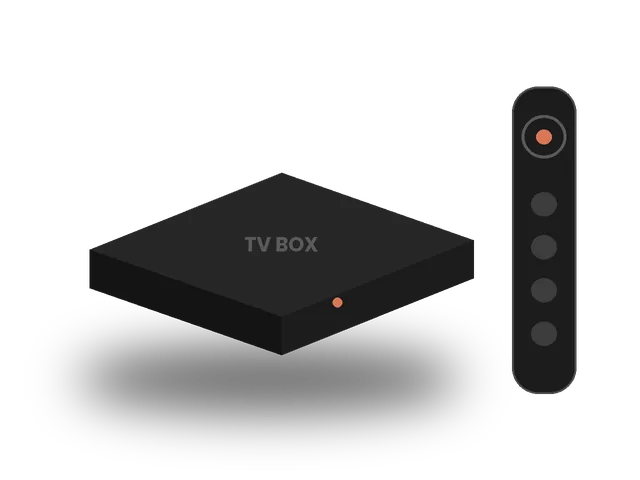
Any TV or box running Android TV or Google TV works: Sony Bravia, TCL, Philips, Hisense Android models, Xiaomi Mi Box, Nvidia Shield and Chromecast with Google TV. Newer, faster devices handle 4K best.
Why IBO Player Pro for IPTV on Android TV
Android TV devices can run many players, but we standardise on IBO Player Pro for a simple reason: one app means one set of instructions and faster support. It installs from the official Google Play Store, so there's no sideloading or security warnings. The menu is built for a remote, the TV guide loads with your channels, and your subscription is linked with a code instead of a long login. If you set up a second Android TV in another room, it's exactly the same process: install, send us the new code, restart.
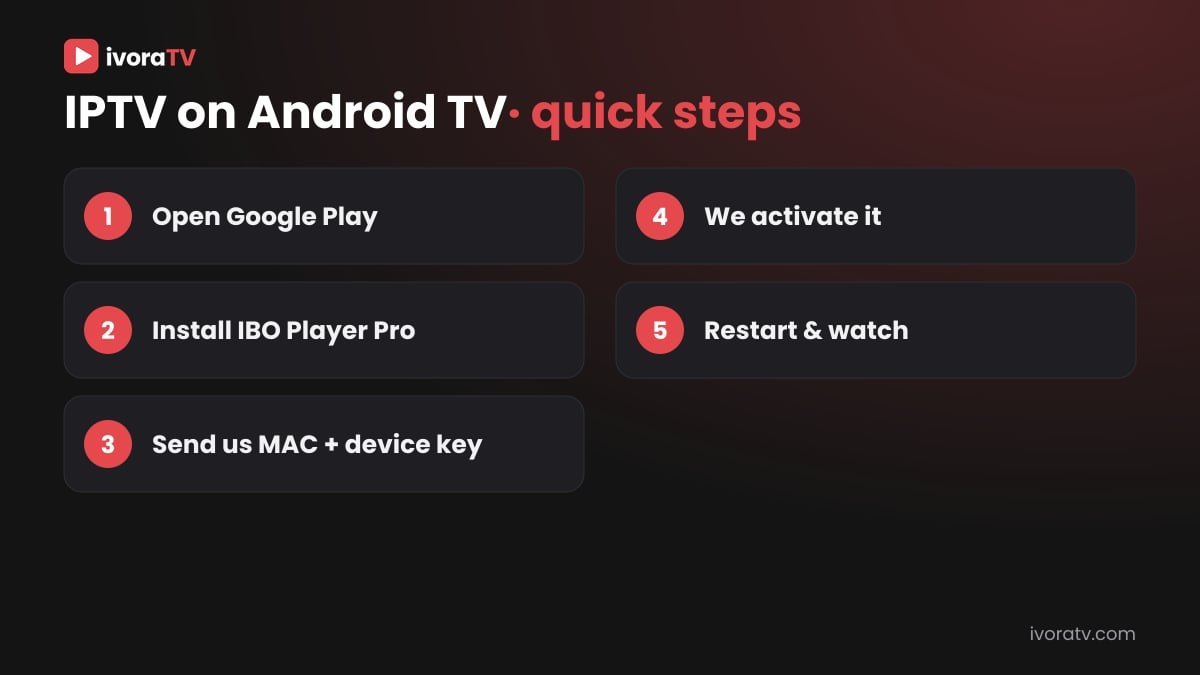
Step 1: Install IBO Player Pro on Android TV
- Open the Google Play Store on your TV (on Google TV: Apps → Search for apps).
- Search IBO Player Pro, or open its Google Play page on your phone and choose your TV to install it remotely.
- Select Install, then Open.
- Allow any permission the app asks for.
Step 2: Link your ivoraTV subscription to IBO Player Pro
Open IBO Player Pro on your Android TV device. The first screen shows two codes: the MAC Address and the Device Key. You can also find them later in the app under Settings. These codes are how your subscription is linked to the app, so you never have to type a long server address with a remote.
- Take a photo of the screen showing the MAC Address and Device Key.
- Send it to us on WhatsApp: message ivoraTV. A real person handles it, 9am–10pm ET, 7 days a week.
- We activate the app for free and add your subscription and reply “Done ✅”.
- Close the app completely and open it again. Your channels, movies and series load automatically.
Prefer to do it yourself? Go to the official IBO Player Pro website on your phone or computer, open Manage playlists, log in with your MAC Address and Device Key, and add a playlist with the login details from your ivoraTV email (Xtream Codes or M3U link). Save, then restart the app.
Step 3: Start watching IPTV on Android TV
After the restart, open Live TV for channels with the TV guide, or Movies and Series for on-demand content. Add your favourite channels with a long-press on OK.
Tips for IPTV on Android TV
- Ethernet first: most Android TV boxes have a network port. Use it for live sport.
- Free up space: Settings → Apps → clear the cache of big apps.
- Turn off auto-play previews on the Google TV home screen to save memory.
IPTV on Android TV: quick fixes
- Can't find the app: update Google Play Store and search again, or install it from your phone.
- App closes or freezes: clear the app cache and restart the device.
- Buffering: see our buffering fixes.
Next steps
- Check your connection: see the internet speed you need for IPTV in HD and 4K.
- More screens: read how IPTV on multiple devices works before you add another TV or phone.
- Choosing a box? Compare models in best device for IPTV.
- Not a customer yet? Test ivoraTV for 24 hours for $2 on this device before you choose a yearly pack.
Frequently asked questions
Which app do you use for IPTV on Android TV?
IBO Player Pro, installed from the Google Play Store. Then send us your MAC address and device key.
Do I have to pay for IBO Player Pro?
No need to pay for it. IBO Player Pro normally needs a paid activation after its 7-day trial, but ivoraTV activates it for you free of charge. Just send us your MAC address and device key.
Does it work on Nvidia Shield and Chromecast with Google TV?
Yes. Both run Android TV / Google TV and install IBO Player Pro from Google Play.
Can I install it from my phone?
Yes. Open the app's Google Play page on your phone, choose your TV as the device and select Install.
Don’t have ivoraTV yet?
Test it for 24 hours for $2 · 14-day refund policy on yearly packs