Millions of American households have already cut the cord. If you are looking at IPTV USA options, a little homework before you pay will save you a lot of frustration. This guide covers what matters specifically for US viewers, from East and West Coast feeds to the devices Americans actually use.
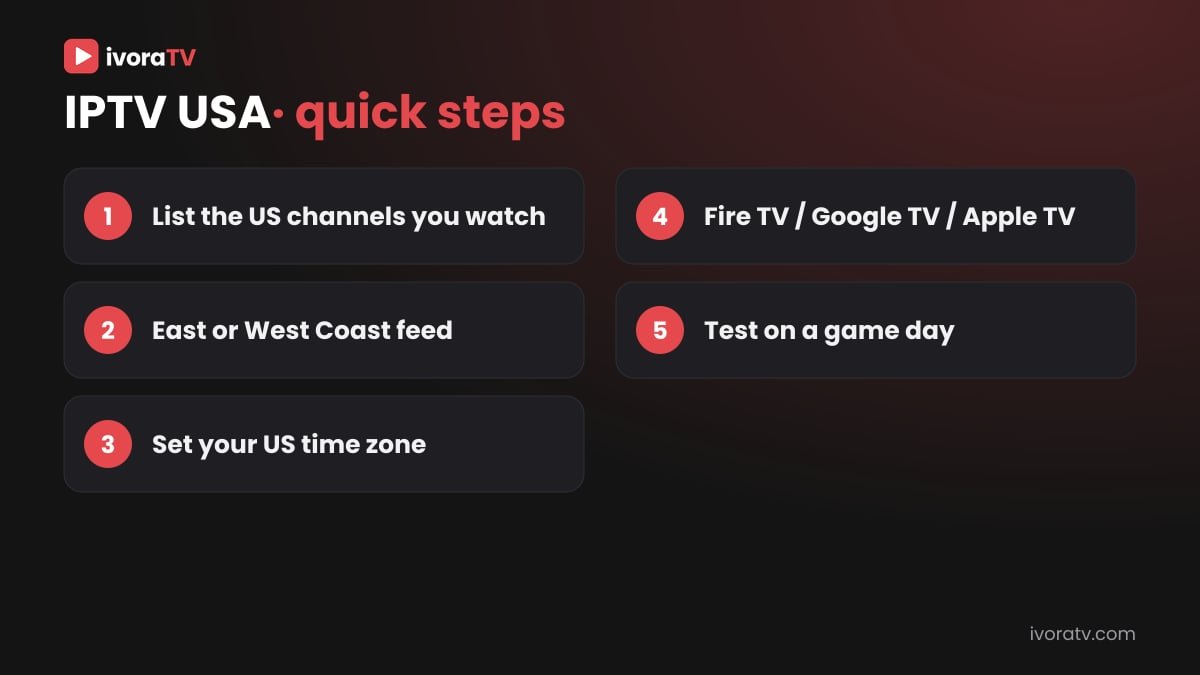
1. Check the US channels you actually watch
Start with your own list: the news channels, sports networks, kids’ channels and entertainment networks your household watches every week. A big number on a homepage means little if your three favourite channels are missing. Search each one in our IPTV channel list, which you can filter by USA.
2. East and West Coast feeds
Many American networks broadcast an East (ET) feed and a West (PT) feed, three hours apart. A good US channel list includes both, so viewers in California see prime time at the right local hour. If you live in the Central or Mountain time zone, pick the feed that matches your local schedule.
3. Make the TV guide match your time zone
The US spans several time zones, plus Alaska and Hawaii. Set your device time zone correctly and adjust the EPG time shift in your app if programmes appear one or more hours off, especially after daylight saving changes in March and November. See how to fix an IPTV guide that shows the wrong time.
4. The devices Americans use, and Roku
Fire TV Stick, Android TV, Google TV and Apple TV all work very well with IPTV. Roku, the most popular streaming device in the US, does not: it has almost no IPTV players. If you are a Roku household, read can you watch IPTV on Roku? before you buy, and compare options in our best device for IPTV guide.
5. Internet speed and data caps
Plan for about 15 Mbps per HD screen and 25 Mbps per 4K screen. Some US internet providers apply monthly data caps: Full HD streaming uses roughly 3 GB per hour and 4K around 7 GB per hour, so a heavy-viewing household can reach a cap quickly. Check your plan, and read our internet speed for IPTV guide.
6. Test sport on a game day
Football Sundays and big playoff nights are the busiest moments for any server. If sport matters to you, use your trial during a major game, not on a quiet weekday morning. Our IPTV for sports guide explains how to get the smoothest stream.
7. Choose a provider you can actually reach
Look for clear terms, a written refund policy, payment with a receipt and support that answers during US evening hours. Our 9-point provider checklist and is IPTV legal? article cover what a trustworthy service looks like.
IPTV USA and local channels
Local stations (your city’s ABC, CBS, NBC or FOX affiliate) are where IPTV services vary most. Some offer selected local feeds from major cities, others mainly offer national feeds. If local news and weather matter to you, search your city or station in the channel list during your trial. Many US households keep a cheap indoor antenna for local channels: it is free after the one-off purchase and works alongside IPTV.
IPTV USA: recommended setup for a US home
- Main TV: Fire TV Stick 4K Max or Chromecast with Google TV, connected by Ethernet if possible, running IBO Player Pro (we activate it for you for free).
- Bedrooms: Fire TV Stick or your Smart TV’s app.
- Phones and tablets: IBO Player Pro too, so every screen works the same way (see our player comparison).
- Internet: a plan with at least 100 Mbps if several people stream at once, and no tight data cap.
IPTV USA vs cable: is it cheaper?
For most households, yes. With no box rental, no regional sports fees and no annual price increases, IPTV usually costs a fraction of a typical cable bill. Our IPTV vs cable comparison breaks down the costs on both sides.
Combine IPTV USA with a free antenna
Many American homes pair IPTV with a free over-the-air antenna for local stations. The FCC’s antenna guide explains how reception works and what you need. With both, you get local channels for free and everything else through IPTV, and the antenna also works as a backup if your internet ever goes down. It’s a simple way to make your IPTV USA setup even more complete.
Getting started with IPTV USA
- Check your must-have channels in the channel list.
- Start with a 24-hour trial on your main TV, using our trial checklist.
- Follow the setup guide for your device.
- Choose a plan once you are happy: see pricing.
Frequently asked questions
Does IPTV work everywhere in the USA?
Yes, IPTV works anywhere with a stable internet connection, in every state. Quality depends on your connection speed.
Can I get East and West Coast feeds?
Many US networks are available in both feeds. Check the specific channels in the channel list.
Does IPTV work with Roku?
Only with workarounds such as screen mirroring or AirPlay. A Fire TV Stick or Google TV device is a much better choice for IPTV.
Don’t have ivoraTV yet?
Test it for 24 hours for $2 · 14-day refund policy on yearly packs