More households in the USA, UK, Canada and Australia are dropping cable and satellite every year. If you are weighing IPTV vs cable, the real question is simple: can you get the channels you watch, at the quality you want, for less money and less hassle? Here is an honest comparison.
What is the difference?
Cable and satellite TV deliver channels through a dedicated cable or dish, usually with a rented set-top box and a contract. IPTV delivers the same kind of live channels over your internet connection, to apps on devices you already own: a Smart TV, a Firestick, a phone or a computer. If you are new to the idea, start with what IPTV is and how it works.
IPTV vs cable at a glance
| Cable / satellite | IPTV | |
|---|---|---|
| Monthly cost | Often high, plus box rental and fees | Usually much lower, no hardware rental |
| Contract | Often 12–24 months | Monthly or prepaid plans |
| Installation | Technician visit, dish or cable | Install an app, log in |
| Devices | The TV connected to the box | TV, phone, tablet, computer |
| International channels | Limited, paid add-ons | Often included |
| Needs internet | No | Yes, a stable connection |
| Weather and outages | Satellite can drop in storms | Depends on your internet |
IPTV vs cable cost: where IPTV usually wins
With cable, the price on the advert is rarely the price you pay. Box rental, HD fees, regional sports fees and price rises after the first year add up. IPTV plans are typically a fixed price for one, three, six or twelve months, with no equipment to return. If you already pay for broadband, the extra cost of IPTV is just the subscription itself.
IPTV vs cable: picture quality and reliability
Cable is very consistent because it does not depend on your home internet. IPTV quality depends on two things: the provider’s servers and your connection. With a good provider and around 15 Mbps per HD screen or 25 Mbps per 4K screen, IPTV looks just as good as cable, and 4K channels are often easier to find. Check your numbers in our internet speed for IPTV guide.
The trade-off: when your internet goes down, so does your TV. If you live somewhere with unreliable broadband, keep that in mind.
IPTV vs cable: flexibility
IPTV follows you around the house. The same subscription works on the living-room TV, the bedroom Firestick and your phone, within the number of screens your plan allows. Catch-up, a full TV guide and on-demand movies and series are usually included. With cable, extra rooms often mean extra boxes and extra fees.
Who should stay with cable?
- People with slow or unreliable internet, or strict data caps.
- Viewers who need one specific package only available from their cable company.
- Households that want zero setup and are happy to pay for it.
Features you get with IPTV that cable often charges for
- Catch-up on supported channels, so you can watch programmes after they air.
- Movies and series on demand in the same app as your live channels.
- International channels for families who watch TV from more than one country.
- Watching on your phone or tablet, anywhere in the home, without extra boxes.
- Multi-view in some apps, to follow several channels on one screen.
Hidden costs to check on both sides
With cable, read the contract for box rental, HD and DVR fees, regional sports fees, installation charges, price increases after the introductory period and early cancellation fees. With IPTV, check whether your internet plan has a data cap, whether you need a streaming device for your TV (a Fire TV Stick is a one-off purchase) and whether your preferred player app has a paid premium version. Even with those, most households pay noticeably less with IPTV than with cable.
Can you keep both?
Yes. Some people keep a basic cable or antenna package for local channels and use IPTV for everything else. Others keep cable during a short overlap while they test IPTV on all their TVs. There is no wrong answer: switch when you are confident it covers what your household watches.
IPTV vs cable: the verdict
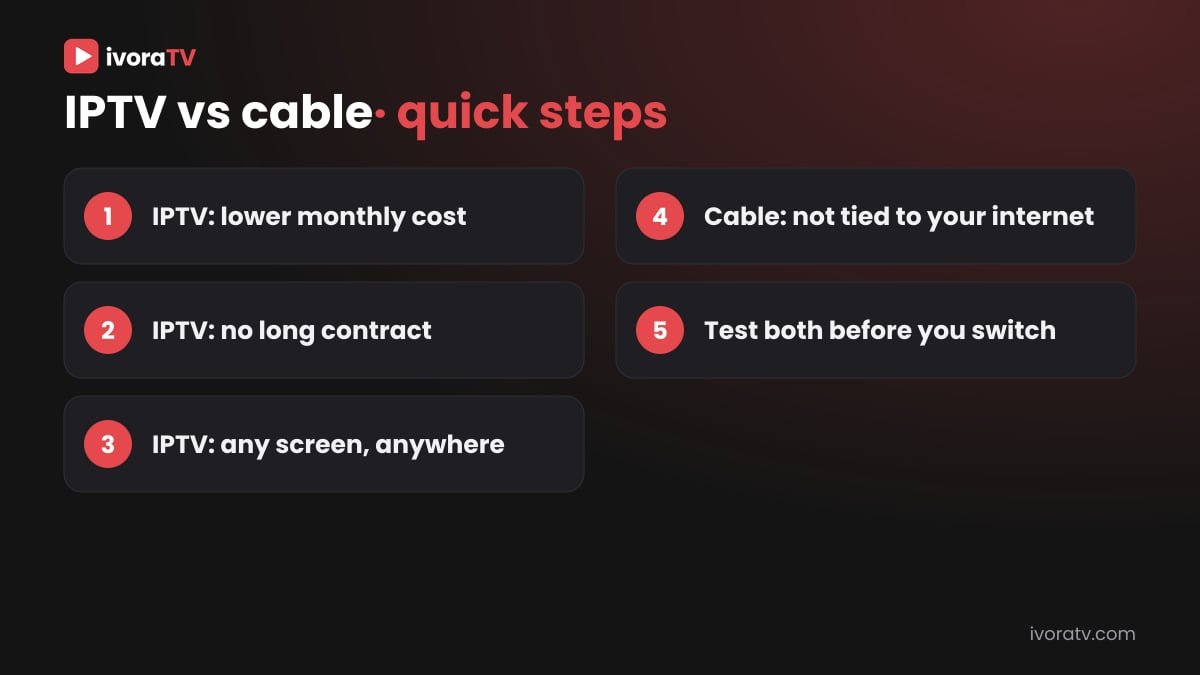
If you have a good internet connection, watch on more than one screen and don’t want long contracts, IPTV usually wins on price and flexibility. If your internet is slow or unreliable, or you only watch a few local channels, cable can still make sense. The fairest way to settle IPTV vs cable for your own home is to test: run a trial during a busy evening and a live game, alongside your cable box, before you cancel anything. Our cord cutting guide walks you through the switch.
How to switch without missing anything
- Make a list of the channels you watch every week and check them in our channel list.
- Test on your own devices with a short trial before cancelling cable. Here is what to test during an IPTV trial.
- Check your cable contract end date and any early cancellation fee.
- Set up your main TV first using our setup guides, then add other rooms.
A trustworthy provider makes this easy: look for a trial, a clear refund policy and real support. Our 9-point provider checklist helps you compare.
Frequently asked questions
Is IPTV cheaper than cable?
In most cases yes, because there is no box rental, no installation and no long contract. You do need a reliable internet connection.
Is IPTV quality as good as cable?
With a good provider and enough bandwidth, yes. HD and 4K over IPTV look as good as cable; quality drops if your connection is weak.
Can I keep my internet provider?
Yes. IPTV works with any broadband provider, as long as the speed is enough and there is no tight data cap.
Don’t have ivoraTV yet?
Test it for 24 hours for $2 · 14-day refund policy on yearly packs