
Canadian TV bills are among the highest in the world, so it is no surprise that IPTV Canada is a popular search. Canada also has a few things that make it different from the US or UK: two official languages, six time zones and internet plans that are not always unlimited. Here is what to check.
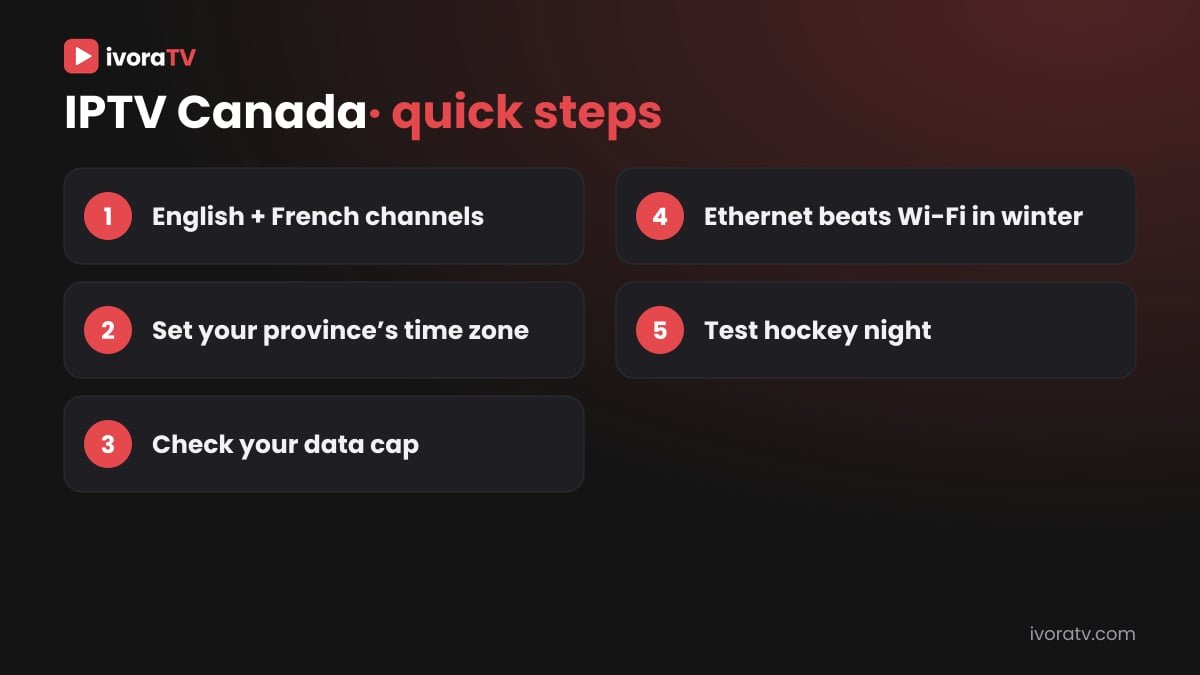
English and French channels
Make a list of the channels your household watches, in English and in French, and look them up in our channel list, which has a dedicated Canada tab with search. Many Canadian households also watch US networks, so check those too.
IPTV Canada: six time zones in one TV guide
Canada runs from Newfoundland time (which is half an hour off the other zones) to Pacific time. If your TV guide shows the wrong hour, or is 30 minutes off in Newfoundland, set your device time zone correctly and adjust the EPG time shift in your app. Our EPG troubleshooting guide walks you through it.
Internet speed and data caps
Plan for about 15 Mbps per HD screen and 25 Mbps per 4K screen. Some Canadian internet plans still have monthly data limits: Full HD uses roughly 3 GB per hour and 4K around 7 GB per hour. Check your plan is unlimited, or large enough, before you replace cable. Details: internet speed for IPTV.
Best devices in Canada
Fire TV Stick 4K, Android TV and Google TV devices, Apple TV 4K and recent Smart TVs all work well. Read our best device for IPTV comparison, then follow the setup guide for your device.
Hockey night
Hockey nights are peak time for streaming in Canada. If you watch a lot of hockey, test your trial during a big game and read our IPTV for sports guide for the best settings.
Winter tip: a stable connection beats a fast one
Storms don’t affect IPTV the way they affect satellite dishes, but a stable home network matters more than a big speed number. An Ethernet cable to the TV, or a router placed close to it, prevents most freezes. If you do get buffering, see our 10 buffering fixes.
IPTV Canada: recommended setup for a Canadian home
- Main TV: Fire TV Stick 4K Max or Chromecast with Google TV, on Ethernet or 5 GHz Wi-Fi.
- App: IBO Player Pro on every device, activated for you for free. Step by step: our setup guides.
- Phones and tablets: the same app, logged in with the same details.
- Internet: an unlimited plan, or one with a large allowance.
IPTV Canada vs cable: is it cheaper?
Canadian cable and satellite packages are expensive, especially once you add sports, premium channels and box fees. IPTV plans are usually a fixed price for one to twelve months, with no equipment to rent. Read our IPTV vs cable comparison for the full picture, including the hidden costs to check on both sides.
Households with several screens
Families often watch on two or three screens at once on a busy evening. Check how many connections your plan allows and make sure your internet speed covers every screen: about 15 Mbps per HD stream. Our guide to IPTV on multiple devices explains how connections work.
Who regulates TV in Canada?
Broadcasting and telecom in Canada are overseen by the CRTC (Canadian Radio-television and Telecommunications Commission). Its website explains Canadians’ rights with TV and internet providers, including information on internet plans. It’s worth a look if you are reviewing your internet package before moving to IPTV Canada services.
IPTV Canada and data caps
Some Canadian internet plans still have monthly limits. One hour of HD uses about 2–3 GB, and 4K about 10 GB. A household watching four hours of HD a day can use 250–350 GB a month on TV alone. Before switching to IPTV Canada services, check your plan’s limit, or move to an unlimited plan.
Choosing an IPTV Canada provider
Check for clear terms, a written refund policy, receipts and support you can reach in your evening hours. Our provider checklist and is IPTV legal? article explain what to look for.
Frequently asked questions
Can I get French Canadian channels?
Check the Canada tab of the channel list: you can search channels by name in English or French.
Why is my TV guide 30 minutes off?
Newfoundland time is half an hour different from the other Canadian zones. Set your device time zone correctly and adjust the EPG time shift.
Will IPTV use my monthly data allowance?
Yes. Full HD uses about 3 GB per hour and 4K about 7 GB per hour, so check your internet plan’s limit.
Don’t have ivoraTV yet?
Test it for 24 hours for $2 · 14-day refund policy on yearly packs