When you subscribe to IPTV you usually receive two ways to log in: Xtream Codes details and an M3U link. Both give you the same channels: M3U is simply a standard playlist format. The difference in Xtream Codes vs M3U is how the information reaches your app, and that changes how easy your player is to use every day.
What is an Xtream Codes login?
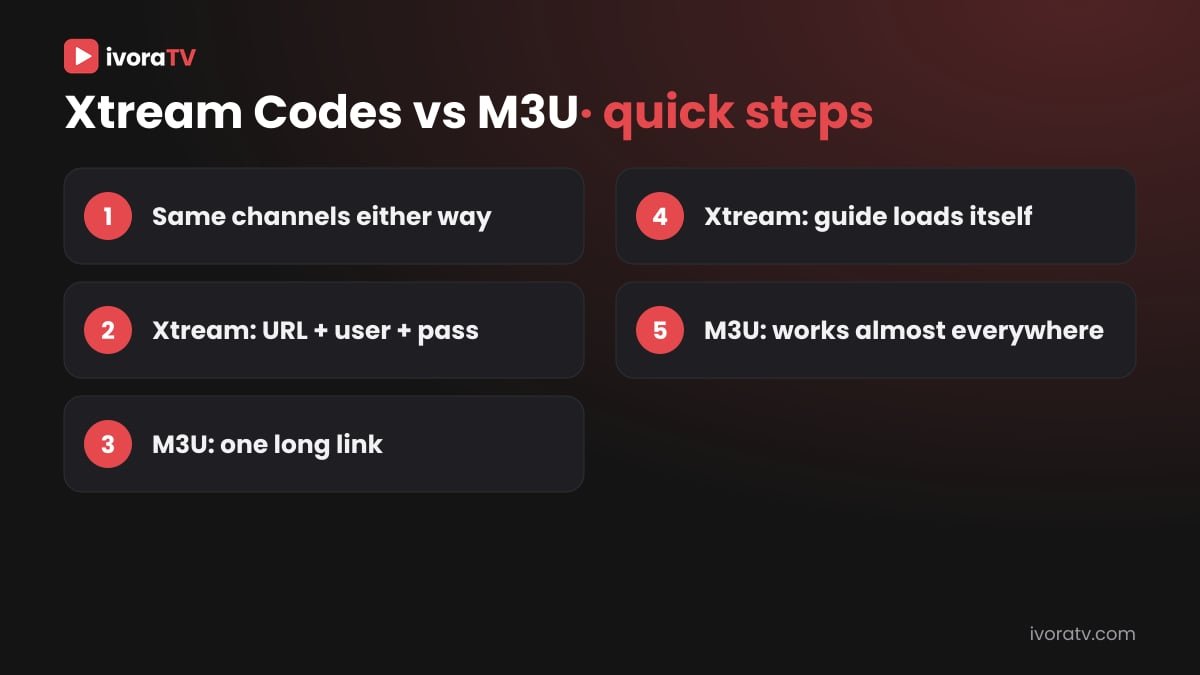
An Xtream Codes login (often called “Xtream Codes API”) is made of three parts: a server URL, a username and a password. Your app uses them to talk to the server and ask for exactly what it needs: the list of live channels, the movie library, the series with seasons and episodes, and the TV guide.
Because the app asks the server directly, everything stays organised in separate sections, and when the provider adds channels they appear in your app automatically.
What is an M3U link?
An M3U link is a single web address that downloads a text file. That file lists every stream, one after another, with its name, logo and group. Your username and password are written inside the link itself.
M3U is an old, universal format. Almost every player understands it, including VLC and Kodi. The downside is that it is one big list: movies and series often appear as thousands of “channels”, and the TV guide has to be loaded from a separate EPG (XMLTV) address.
Xtream Codes vs M3U at a glance
| Xtream Codes | M3U link | |
|---|---|---|
| What you enter | URL + username + password | One long link |
| Movies and series | Separate, organised sections | Often mixed into the channel list |
| TV guide (EPG) | Usually loads automatically | Needs a separate EPG link |
| Loading speed | Fast, loads what you open | Slower with large playlists |
| App support | Most modern IPTV apps | Almost every player, including VLC |
| Best for | Daily use on TV and phone | VLC, Kodi or apps without Xtream support |
Xtream Codes vs M3U: which one should you use?
Use Xtream Codes whenever your app supports it. It is faster, tidier and the TV guide just works. That is the case for IPTV Smarters, TiviMate, XCIPTV, IBO Player Pro and most players in our best IPTV player apps list.
Use the M3U link when your app only accepts a playlist URL (VLC, some Smart TV apps, some older players), or when an app asks you to upload a playlist on its website using your TV’s MAC address.
Keep your login private
Both formats contain your password, so treat them like the key to your account. Don’t post them in forums or screenshots, and don’t share them outside your household: unknown devices connecting with your login can use up your screens and get the line blocked.
How the TV guide works with each format
With Xtream Codes, the guide (EPG) is delivered through the same login: your app asks the server for programme data and matches it to each channel automatically. With an M3U link, the playlist file only contains the channels. The programme data lives in a separate XMLTV file, and your app matches the two using a channel ID written in the playlist. If that EPG link is missing or the IDs don’t match, you see channels with no programme information. That is the most common reason people say their guide is empty with M3U.
What each one looks like
An Xtream Codes login is three separate pieces of information, for example a server such as http://line.example.com:8080, a username and a password. An M3U link combines them into one address, usually ending with something like get.php?username=…&password=…&type=m3u_plus. If you ever need to convert one into the other, the same server, username and password are in both.
Xtream Codes vs M3U: which apps support what
- Xtream Codes and M3U: IPTV Smarters, TiviMate, XCIPTV, IBO Player Pro, iPlayTV, GSE Smart IPTV.
- M3U only: VLC and some basic playlist players.
- Uploaded through a website using your TV’s MAC address: some Smart TV apps such as SET IPTV and similar players.
Xtream Codes vs M3U: our verdict
For most people, Xtream Codes is the better choice: it’s faster to type on a TV remote, splits films and series into their own sections and loads the TV guide automatically. M3U is the backup that works almost everywhere, including VLC and many Smart TV apps. In the Xtream Codes vs M3U debate there is no wrong answer, because both give you the same channels. Pick Xtream Codes when your app supports it, and keep the M3U link for everything else. Step-by-step help: how to use an M3U playlist.
Xtream Codes vs M3U: common problems with each format
- Xtream Codes “invalid login”: check the URL keeps the
http://and the port number, and that there are no spaces in the username or password. - M3U link won’t load: make sure you copied the whole link. It is long, and the end (with
type=m3u_plusor similar) often gets cut off. - TV guide missing with M3U: add the EPG link in your app settings. See how to fix IPTV EPG problems.
Need step-by-step screens? Our IPTV Smarters setup and TiviMate setup guides show both methods.
Frequently asked questions
Are Xtream Codes and M3U the same channels?
Yes. Both point to the same subscription. Only the way the app receives the list is different.
Can I use Xtream Codes in VLC?
No, VLC only opens M3U links. Use the M3U link in VLC, or install an IPTV app if you want Xtream Codes.
Why is my M3U playlist so slow to load?
An M3U file lists every channel, movie and episode, so it can be very large. Xtream Codes loads faster because the app only asks for what you open.
Don’t have ivoraTV yet?
Test it for 24 hours for $2 · 14-day refund policy on yearly packs